
01
Place
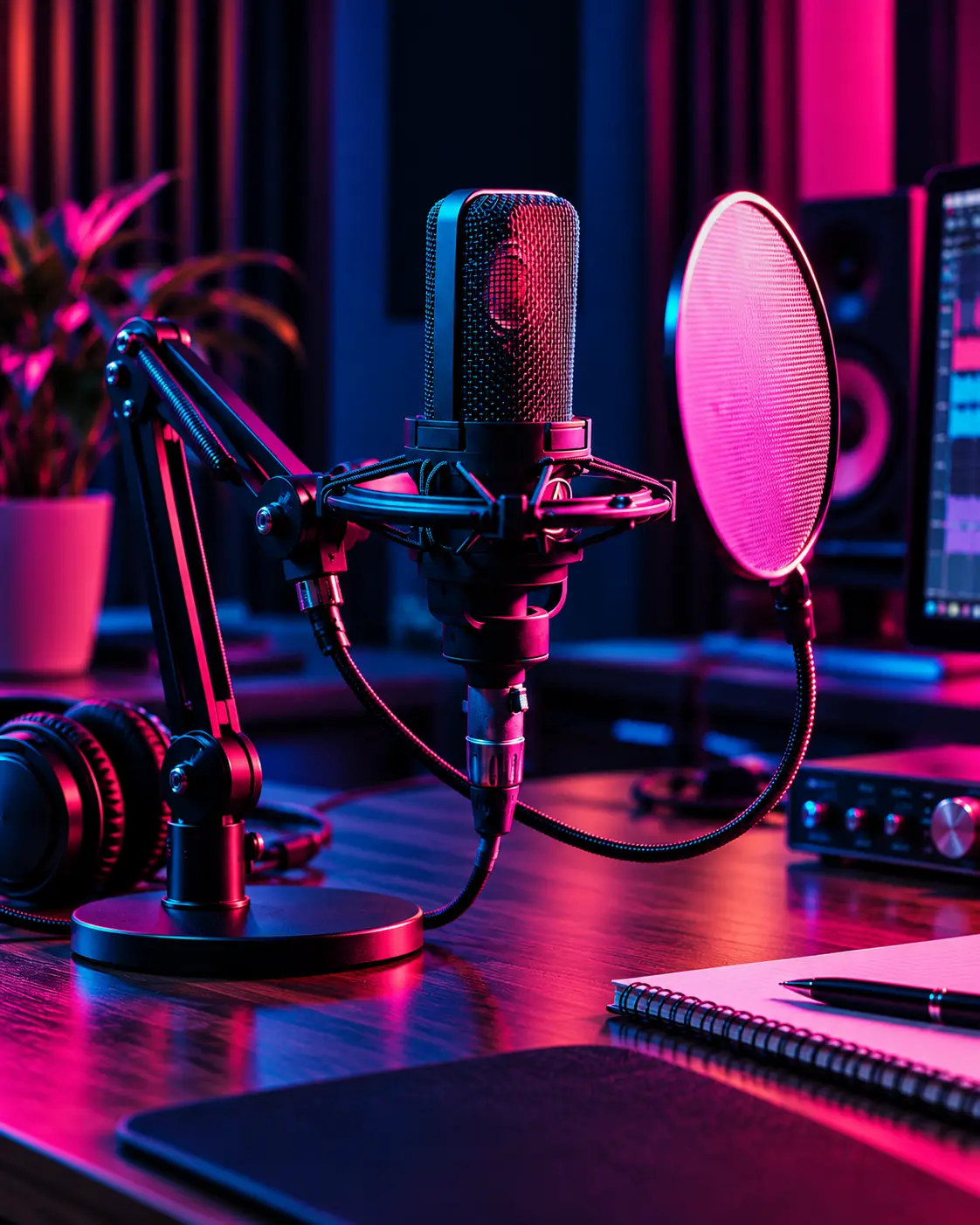
Keep the speaking side of the microphone facing the source and position it at a manageable distance from the voice.
Sound quality, convenience, and technology — we take a look at the features of a microphone that deserves a discussion of its own

Illustrative image. The scene is for demonstration purposes only and is not a static shot from an actual television program
Explore microphone advantages ↗Blue Yeti USB anchors the Waicong range because it fits the studio conversation naturally: one microphone, four pickup patterns and a desk-ready format that moves easily between solo speech, two-person dialogue and creator workflows.
Discover what makes it useful ↗ WAICONG / MIC SELECTION — 001VOICE FIRST
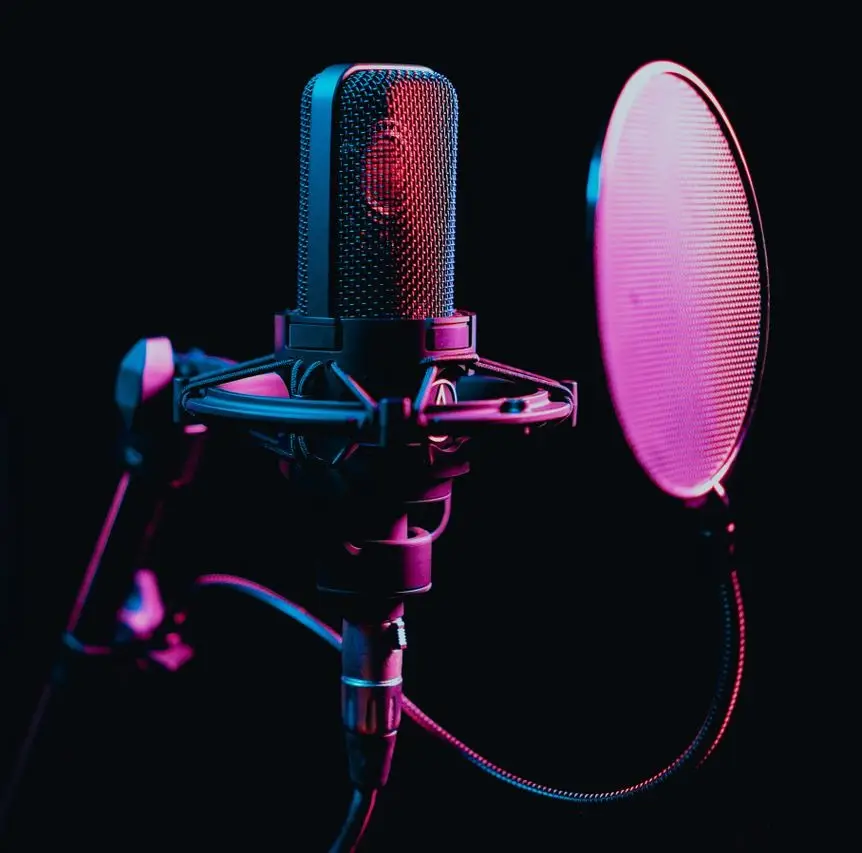
With four pickup patterns, Blue Yeti USB can move from solo voiceover to a two-person interview or a roundtable discussion. Built-in gain and mute controls keep adjustments close at hand, while its desktop format makes it easy to settle into a recording routine.
Choose a pickup mode based on whether you are speaking alone, interviewing someone or capturing a wider scene.
Direct headphone listening helps you hear the signal and adjust your setup before recording begins.
Simple onboard controls make muting, gain adjustment and routine handling feel approachable.
A smoother recording routine usually comes from a few repeatable habits: position the microphone, connect the setup, then monitor before speaking at length. A short check before each session can help you avoid preventable recording issues.
Keep the speaking side of the microphone facing the source and position it at a manageable distance from the voice.
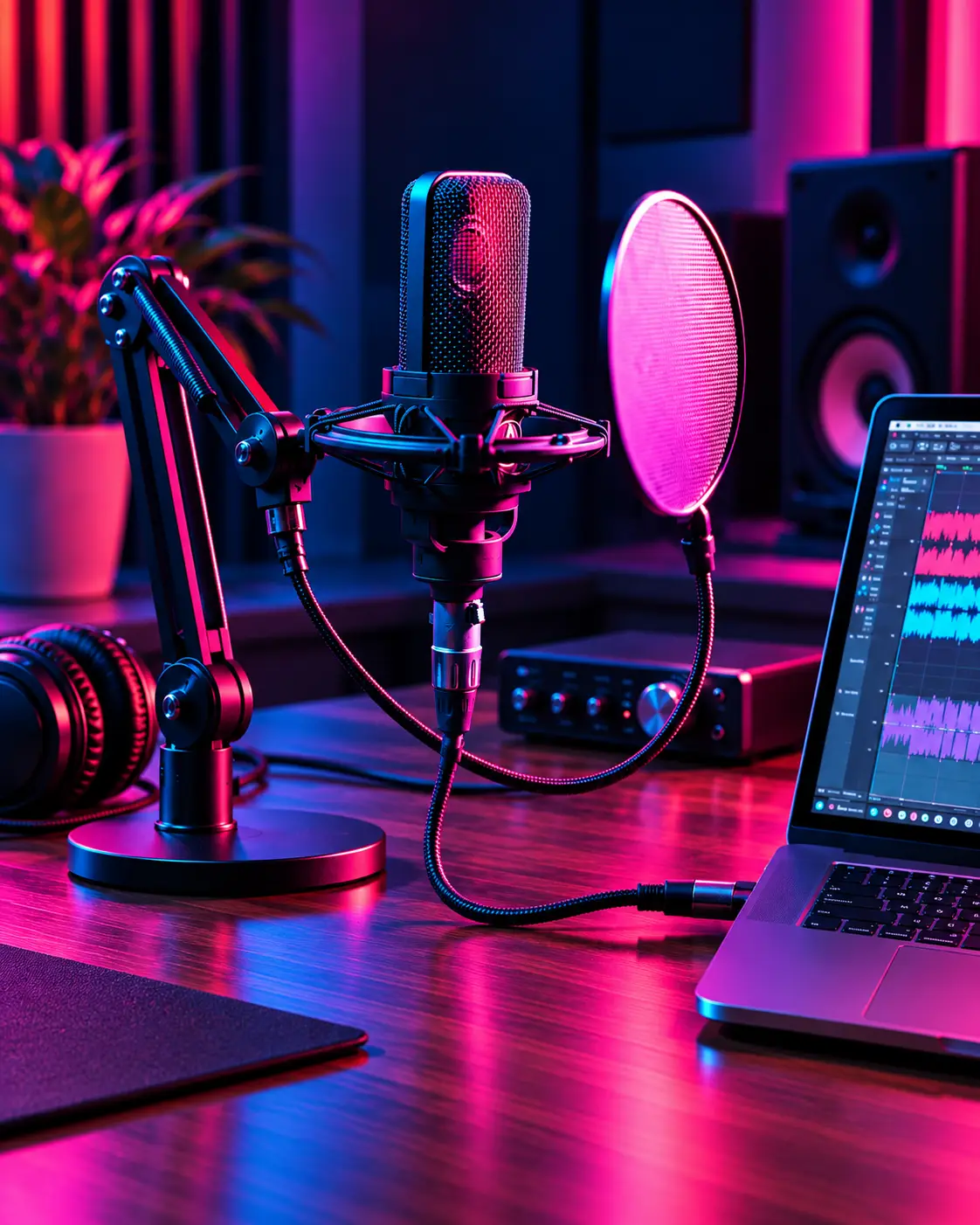
Use the appropriate USB connection and select the device in your recording or streaming software.
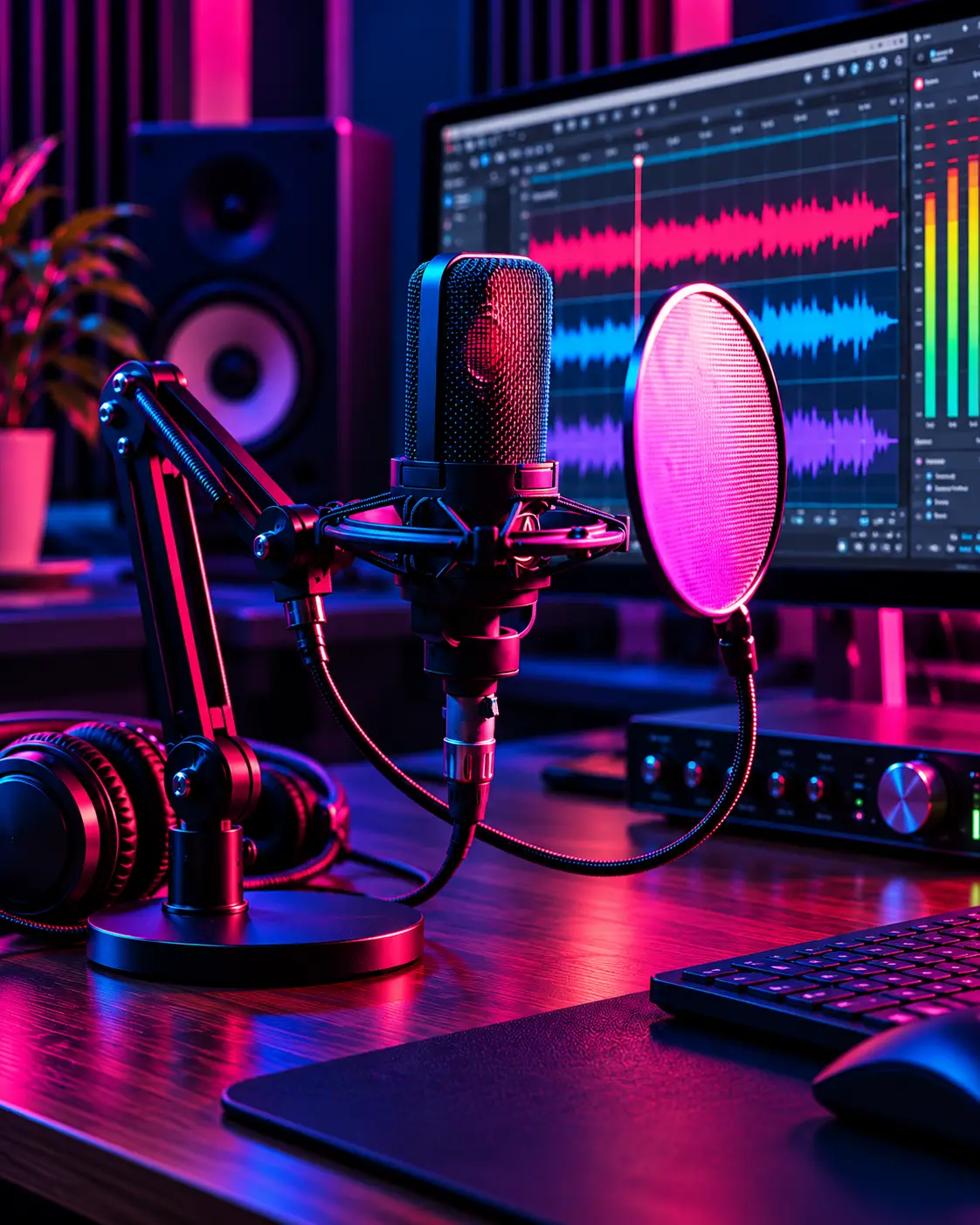
Listen back, adjust gain and check whether the room, desk and distance support the sound you want.
A practical microphone improves workflow, clarity and control, but it cannot replace a thoughtful room setup or consistent speaking habits. A little attention to speaking distance, monitoring and surrounding noise can make just as much difference as the equipment itself.
A clear desktop format helps separate setup from improvisation.
Monitoring and accessible controls help refine the signal.
Reflections and background noise continue to shape the result.
Placement, speaking distance and gain remain part of the outcome.
Compare Blue Yeti USB and HyperX QuadCast S here, or explore three more microphones in the full catalogue.
Prices are in Canadian dollars, before sales tax and delivery. A province-specific estimate is available in the bag.
Blue Yeti USB
Studio-focused USB microphone
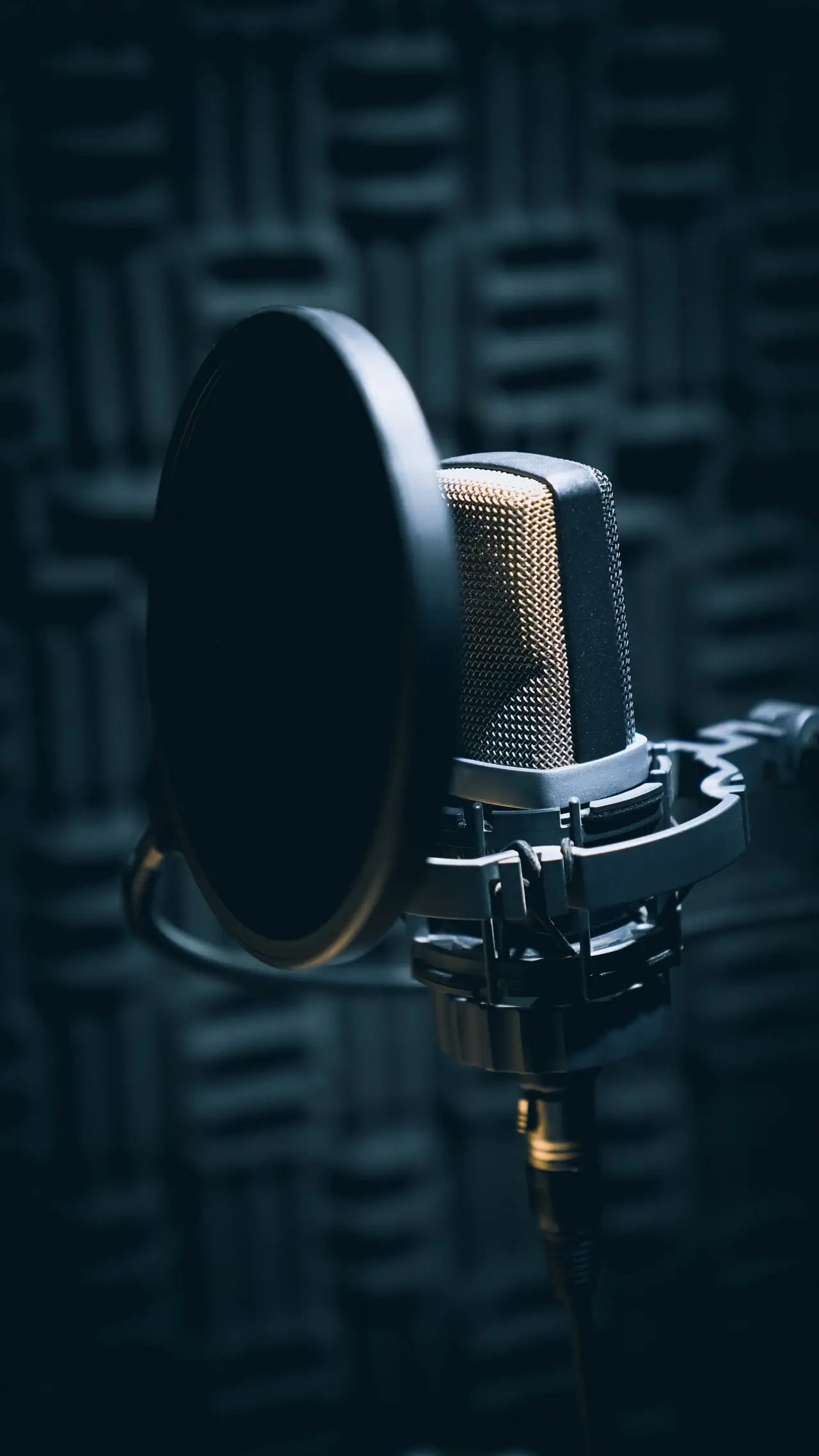 HyperX QuadCast S
Illuminated USB microphone for streaming desks
Before choosing a microphone, it helps to know how you plan to connect it, how many people speak into it, and whether you need direct monitoring or a more compact desk footprint.
Read all questions ↗For many users, yes. USB microphones can be a straightforward solution for speech recording, meetings, streaming and creator work without adding an external interface.
Pickup pattern affects how the microphone responds to sound around it. That changes how well it fits solo narration, a two-person discussion or a room-based conversation.
No single microphone solves every acoustic problem. Placement and room treatment still have a visible effect on the final recording.